Every sample has an owner, a phase and a holder.
Sample requests stop living in email. Physical samples stop walking out of the showroom. Samplyn keeps the request, the garment and the person holding it on one record.

Samples at a glance
- 12
- phases from draft to passed or failed, in three stretches
- 1 scan
- to check a sample out to a person, or a rack back in
- 4
- answers a buyer can give on a loan: keep, return, more time, send another
Where samples go missing
- The request
- A buyer asks in an email, a rep forwards it, the factory hears about it a week later, and nobody owns the follow-up.
- The garment
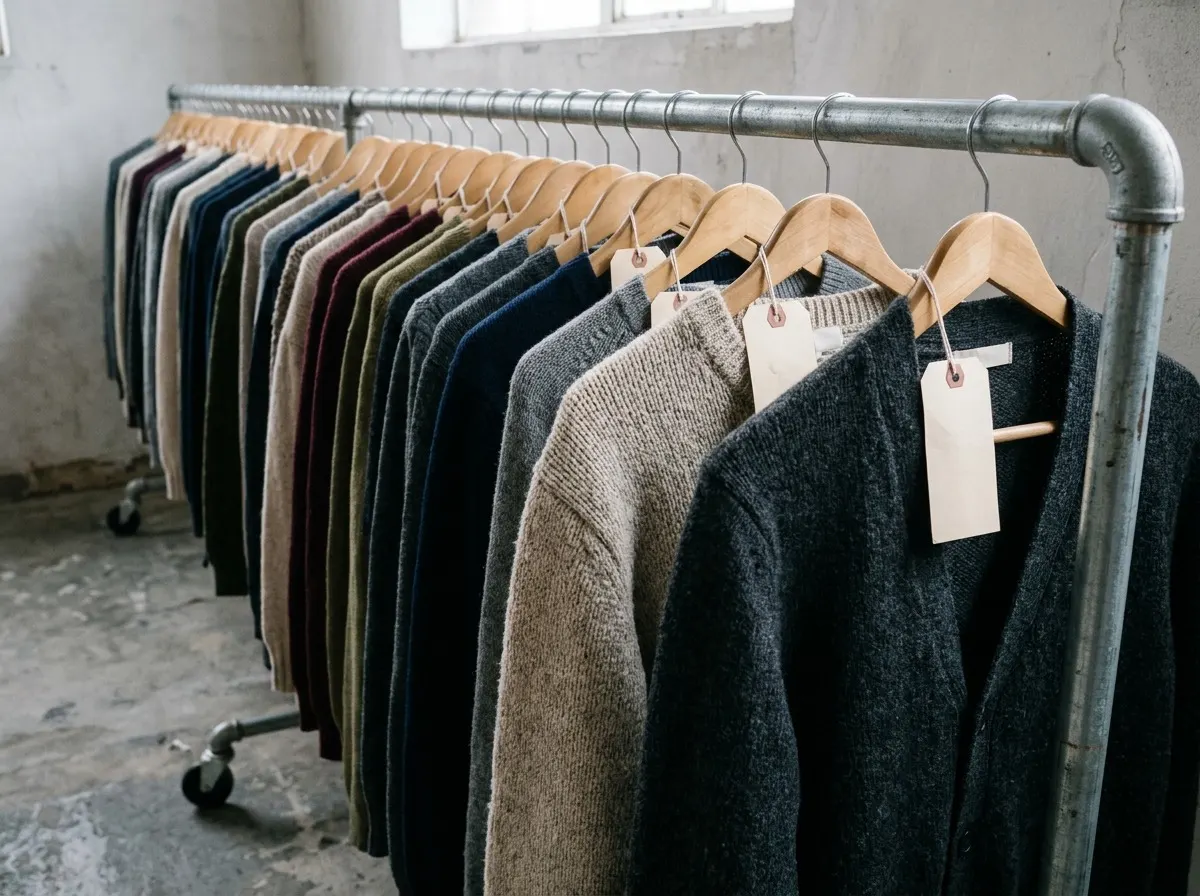
- The sample leaves the showroom on a rail and nobody wrote down who took it.
- The loan
- The buyer keeps it for a month, then asks for another in a different color.
01Requests
A request with an owner and a phase.
Raise a sample request from a style, a design or a moodboard, or let a buyer check one out of the sample cart. It moves through three stretches: before production, in production, and evaluation, so everyone sees the same answer to where is it.
- Priorities of normal, urgent and rush
- Printable sample-submit, spec-sheet and swatch-submit forms
- Comments with mentions on the request, and an alert when it runs past its due date
- A live moodboard on the request, built by talking to Cardi
01 Before production
- Draft
- Submitted
- Revising
- Approved
02 In production
- In factory
- In production
- Shipped
03 Evaluation
- Received
- Evaluating
- Passed or failed
02Custody
Who has it? Scan and see.
Every physical sample is checked out to a person and checked back in by barcode scan. Scan one sample at a market appointment, or a whole rack when it comes back to the showroom. The trail shows every hand it passed through.
- Check out and check in by scan, to a named person
- Bulk check-in for a rack at a time
- Overdue alerts for samples that have been out too long
- Barcode labels for styles, purchase orders and lists, and a scanner that works anywhere in the app
- Color
- Heather blue
- Size
- M
- Holder
- Showroom B
03Buyer loans
Loans come back, or get chased.
When a buyer keeps a sample, it is a loan with a due date. The buyer answers from their own portal: keep it, return it, ask for more time, or send me another in a different type, color or size range. Statements and reminders go out on their own.
- Keep, return, more time, or send me another
- A loan statement per buyer
- Reminders that go out on a schedule, so nobody has to chase by hand
04What buyers see
Buyers ask for samples in their own portal.
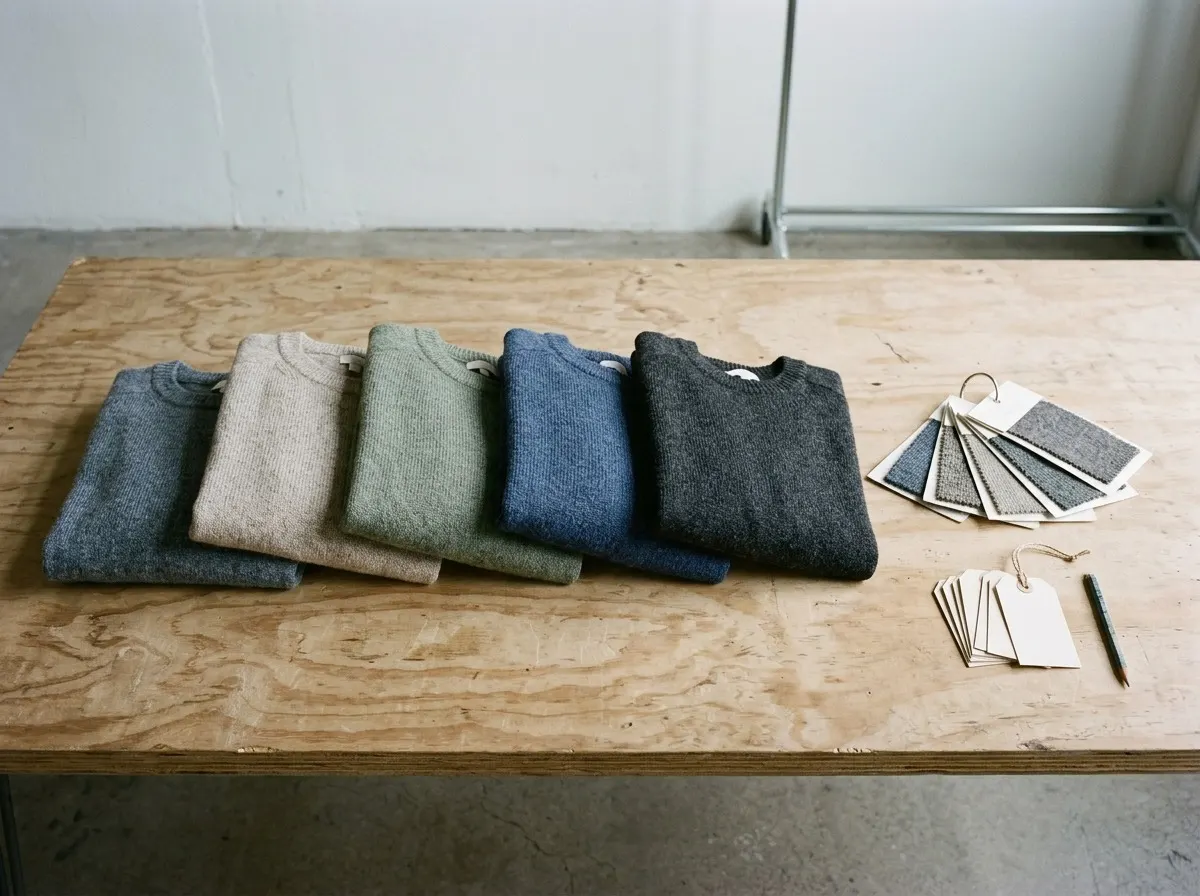
Buyers sign in by invitation, scoped to their own company and divisions. They add styles to a sample cart from the current line or a wishlist and check out into a sample request. They never see your cost, and they never see another account.
- A sample cart that checks out into a sample request
- Wishlists a buyer can share with colleagues
- Prices shown only where you turn them on, cost never
Samples sit on the same record as everything else.
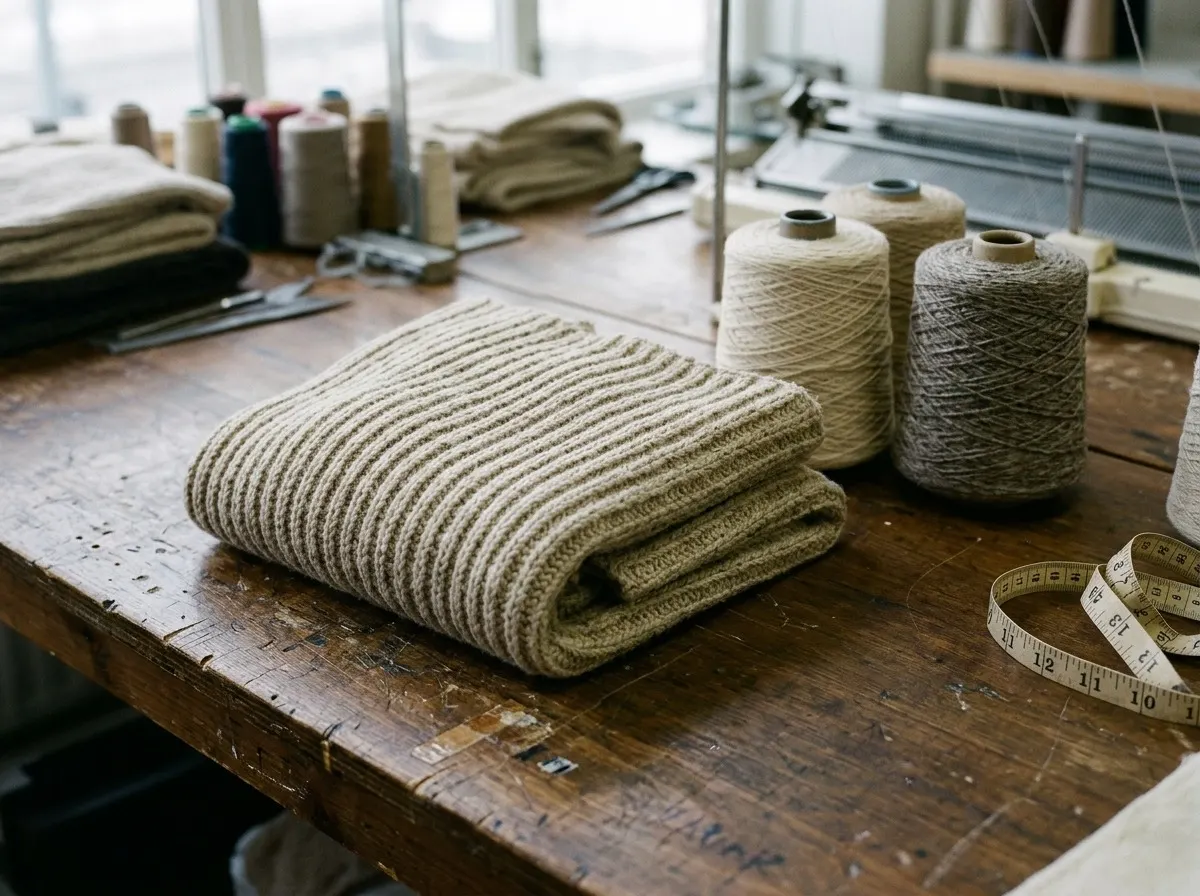
A sample request starts from a style and its spec sheet, a passed sample moves toward a purchase order, and the buyer who asked for it is the account Style Pitcher already knows. Nothing is copied between systems.
Find every sample on the first try.
A 30 minute walkthrough shaped around how your team works today. We quote after the first call.
Book a demo